



Customize Your Content
How to customize which categories of content you receive from Oregon REALTORS® in your email inbox.
Step-by-Step Instructions
We’ve provided screenshots with instructions as well as the written steps below.
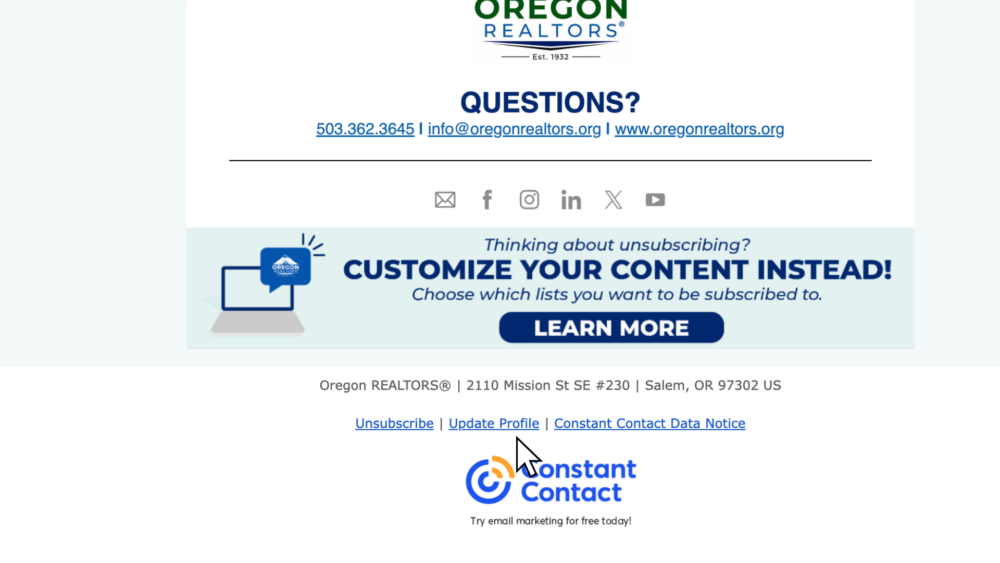
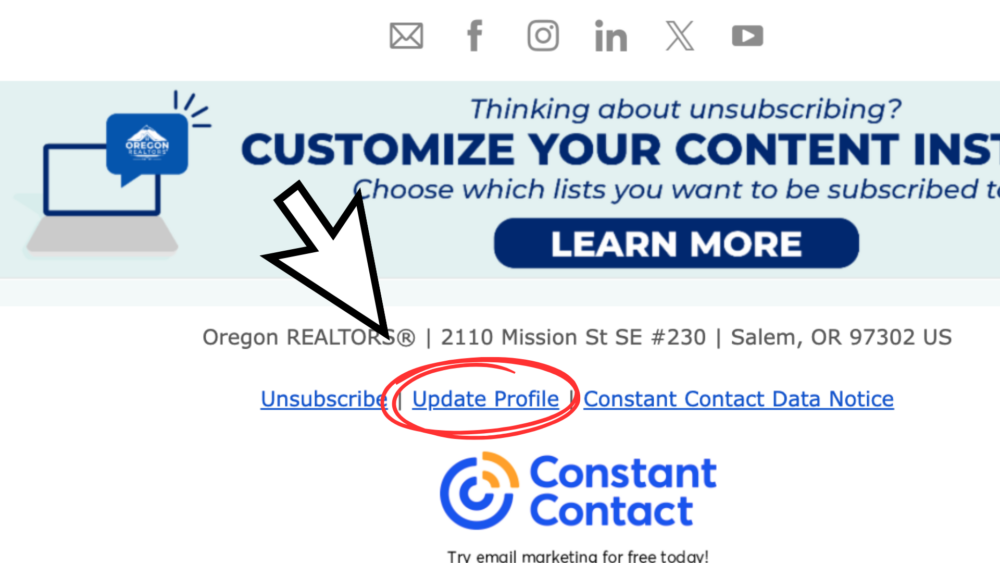
The next time you receive an email from the Oregon REALTORS scroll to the bottom and click “update profile.”

This will open up a page in your web browser that looks like this. Click the “Submit” button.

After clicking “submit” you will see this page in your web browser informing you that an email has been sent to you.

Go to your email inbox and you will see an email that looks like this. Click “Update Your Profile”.

You will then be redirected to a page in your web browser that looks like this. Scroll down and select which categories you would like to receive or opt out of.


You will then see a page that looks like this, meaning the process is complete!
Step 1: The next time you receive an email from Oregon REALTORS scroll to the bottom and click “update profile.”
Step 2: This will open a new page in your web browser. Click the “Submit” button.
Step 3: After clicking “submit” you will see a message that an email has been sent to you.
Step 4: Go to your inbox and you will see a new email from Oregon REALTORS. Open and Click “Update Your Profile”.
Step 5: You will then be redirected to a profile page. Scroll down and select which categories you would like to receive or opt out of. When you are finished, press the “Update Profile” button at the bottom.
Complete!